 The Wildbrook Company
-
Photograph the pages
The camera stays open between shots, so a whole topic goes in one pass rather than one page at a time. Up to twelve pages in a set. Handwriting or a printed handout both work, and ClariPage can tell the difference.
Set the reading level once (elementary, middle or high) and it's remembered. Naming the class and topic is optional and sharpens what gets added later.
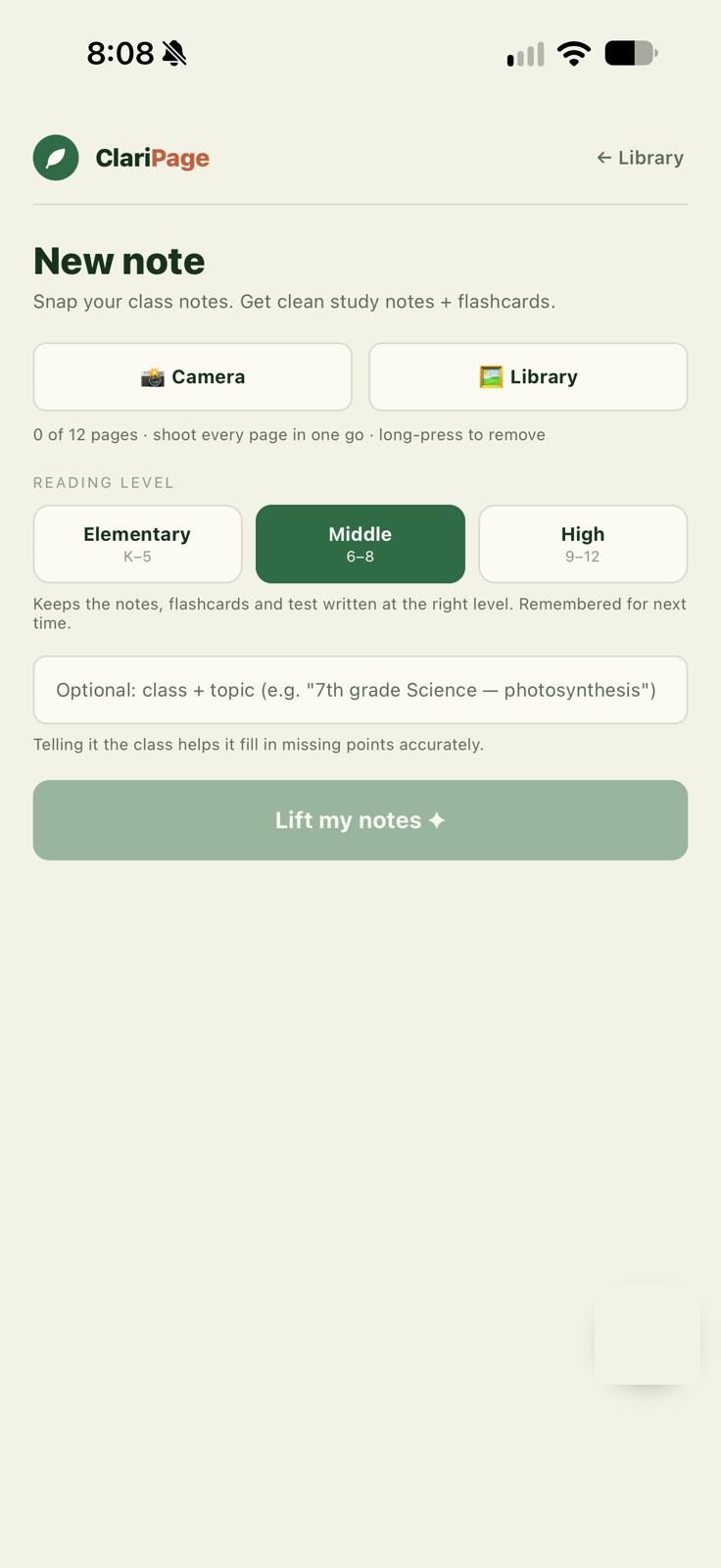
Set the class, topic and reading level once per set. -
It reads the pages
Images are sent for processing and discarded. Long sets are read in batches and merged, so a big topic isn't truncated. Spelling is corrected, abbreviations expanded, blank pages ignored.
You also get a read-confidence rating. Bad handwriting and bad lighting are real, and you should know when a page was hard to read.
-
Every point gets a label
This is the part that makes ClariPage different from a summarizer. Each line carries its origin: your child's handwriting, a printed handout, an addition, a correction, or your own reference material.
Nothing is merged into anonymous prose. The seams stay visible on purpose.
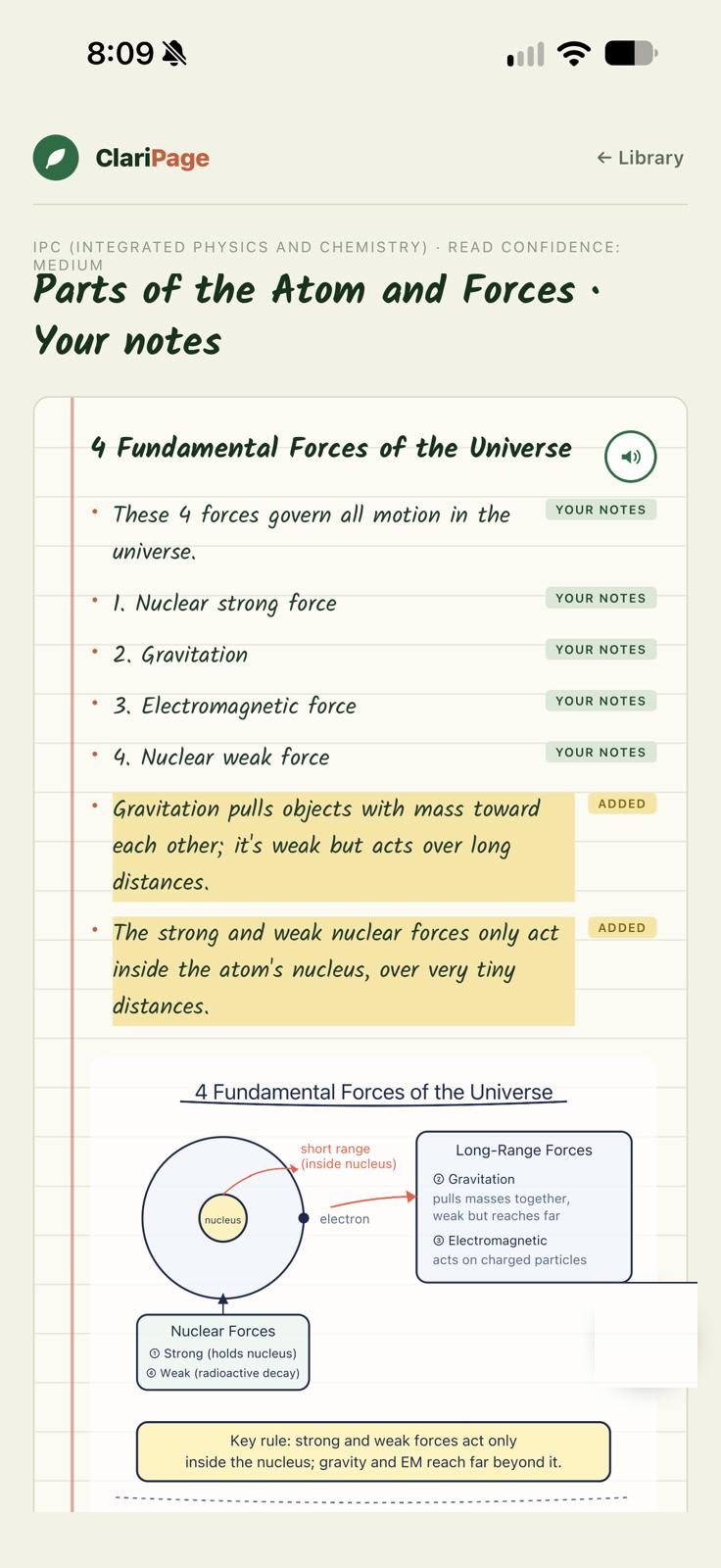
Every line keeps its label, right down to the diagram. -
It names the gaps
At the end of every set is a short, plain summary of what the notes left out. Not a scolding, just an honest note that the page covered the definitions well and skipped the worked examples.
Over a term that's the most useful thing in the app. It's the difference between "revise harder" and "you're not writing down the examples".
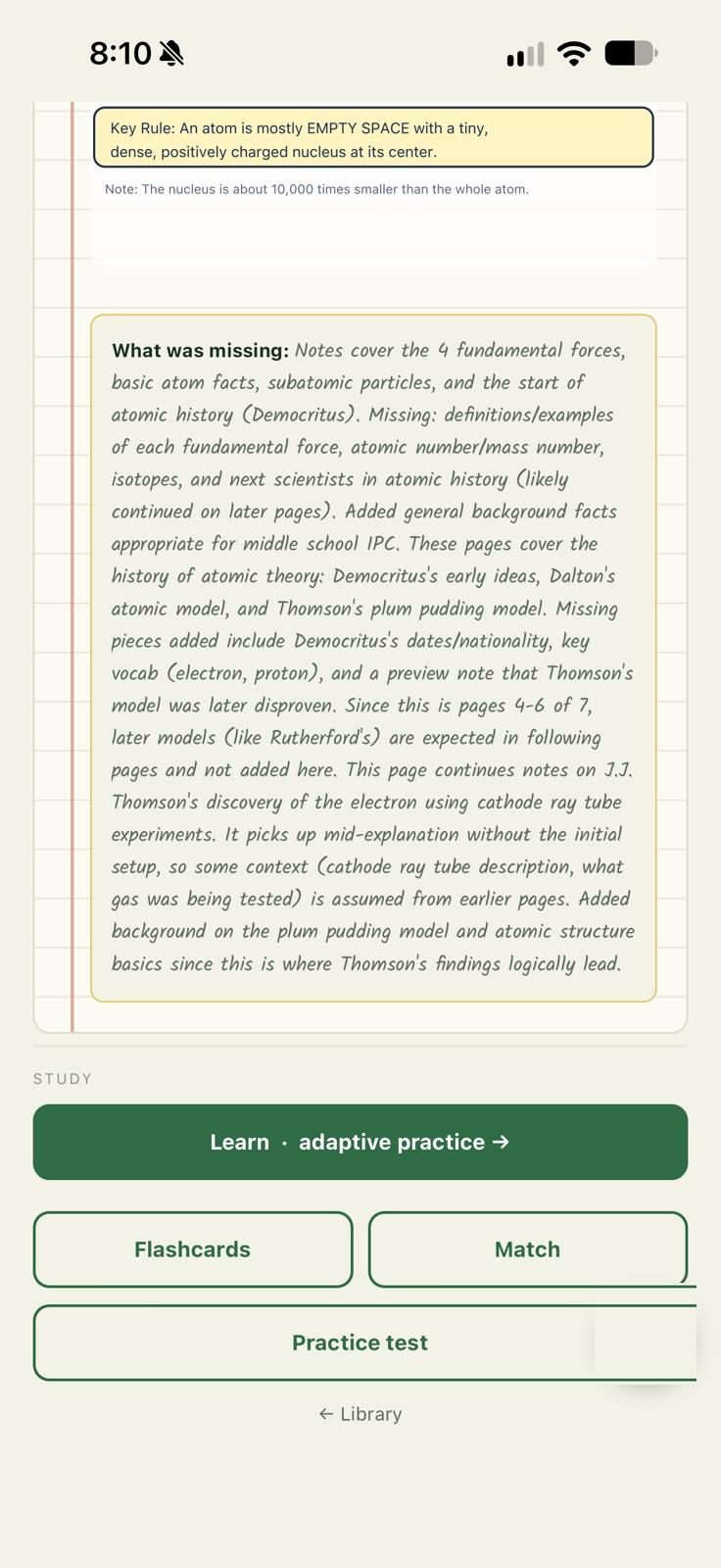
A plain paragraph on what the pages missed, not a score. -
Diagrams, where they help
Where a section benefits from a figure, ClariPage draws one: a labeled process, a comparison, an equation with its parts named. Where a section wouldn't benefit, it doesn't. A list of definitions doesn't need a picture, and a cluttered page is harder to study from.
Diagrams follow the reading level too. A figure for a seven-year-old is bold and simple; one for a sixteen-year-old can carry real detail.
-
Then you study, as much as you like
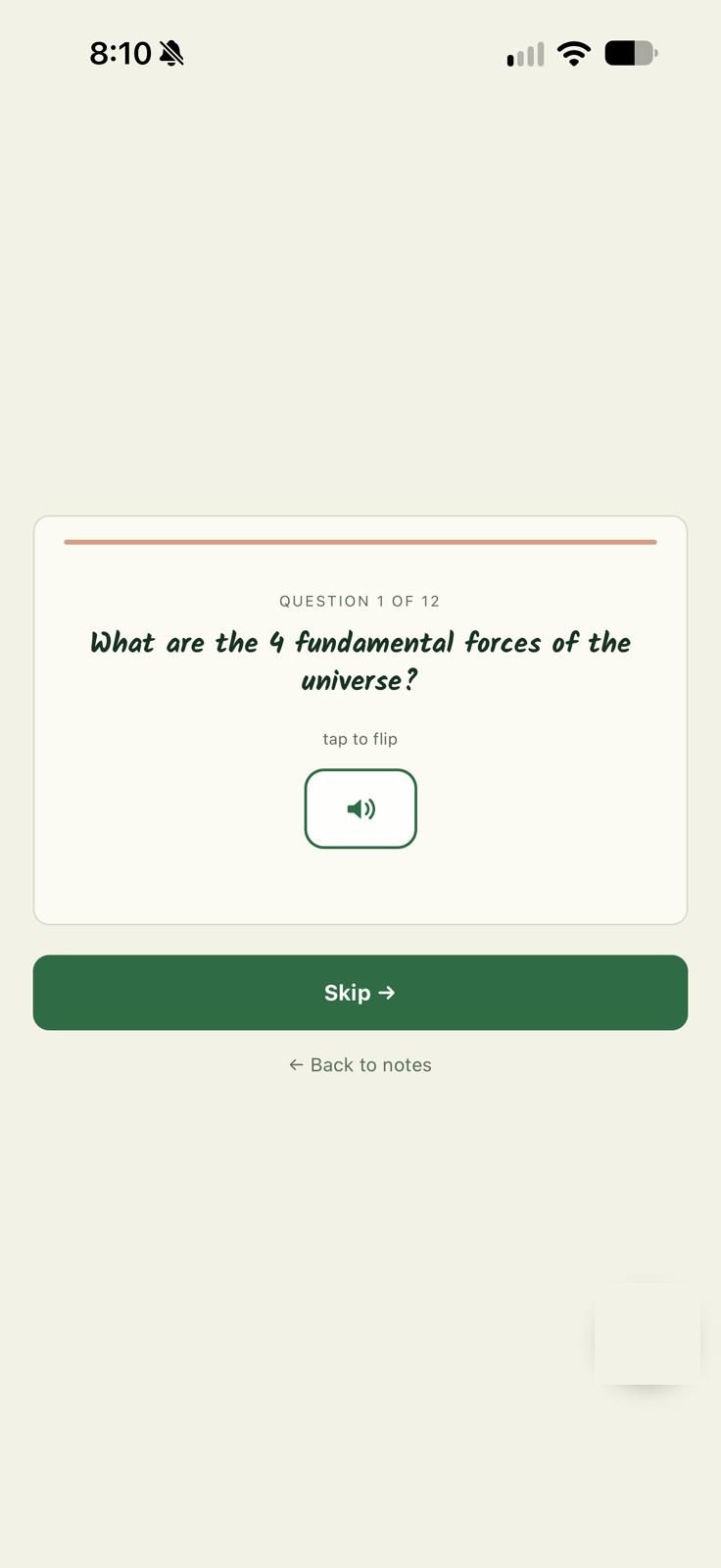
Learn: adaptive practice. Cards start as multiple choice and switch to typing the answer from memory once you've got them right. Typed answers are marked generously: spelling and word order don't matter, the idea does.
Flashcards: tap to flip, grade yourself, hear it read aloud.
Match: a timed pairing game. Good for two minutes in the car.
Practice test: ten questions with feedback the moment you answer. The results list exactly what you missed, split by label so you can see whether lost marks were on your own notes or on material the notes had missed. Missed questions can be retried right away or days later, and they're added to the review queue as flashcards.
Review queue: everything due today across every set, scheduled so cards return just before they'd be forgotten. Twenty at a time, because a wall of eighty is how people quit.
Flashcards 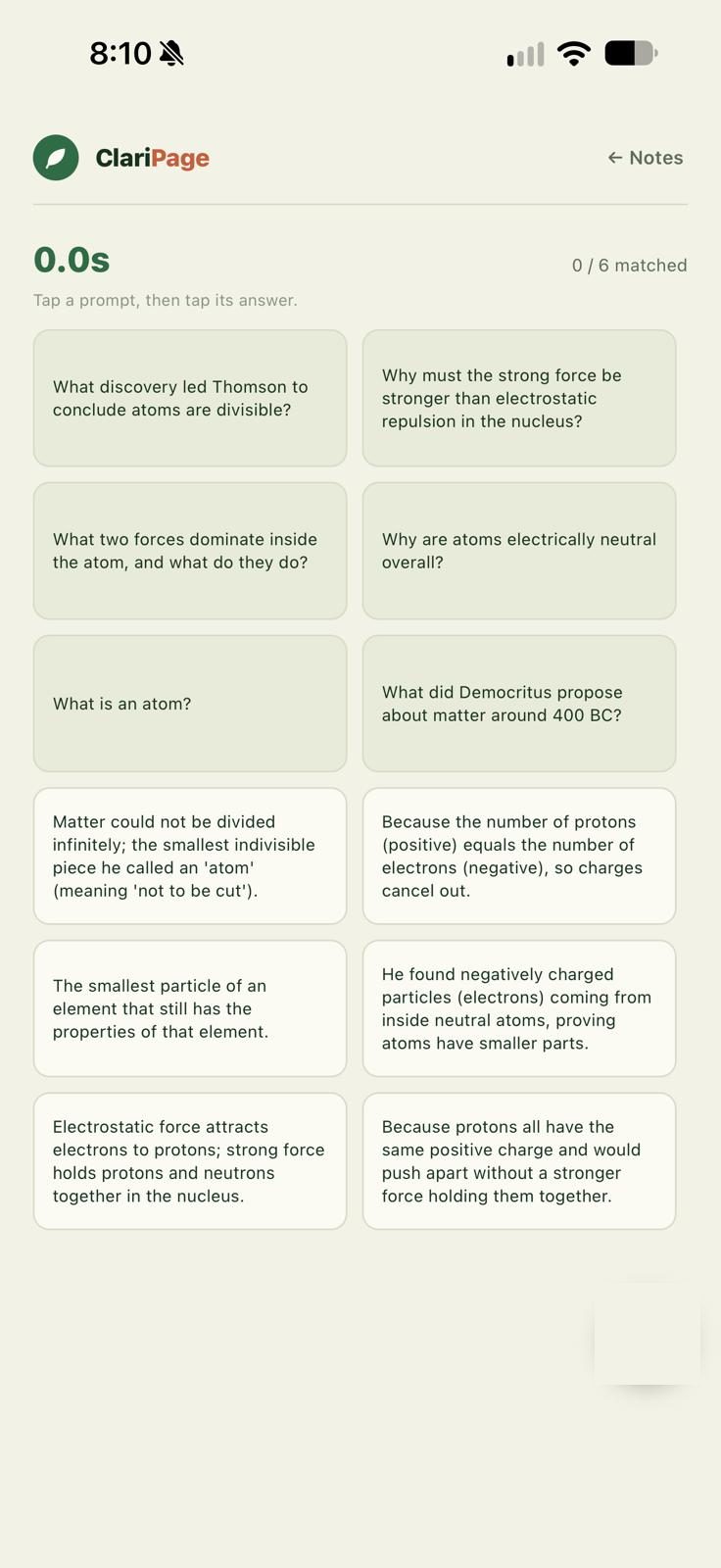
Match 
Practice test -
Stuck on an idea? Explain this
Every section has an Explain this button. If a section covers several ideas, ClariPage asks which one, then teaches it step by step: the big idea, an everyday comparison, a worked example taken from the student's own page, the common mix-up to avoid, and a quick three-question check. If the first explanation doesn't land, ask for another way, or for a simpler one.
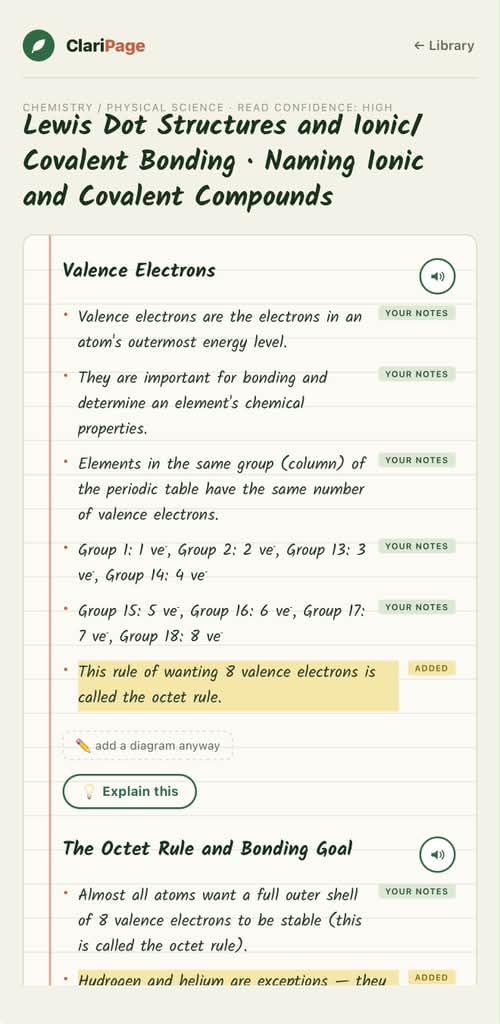
Explain this sits at the end of every section. 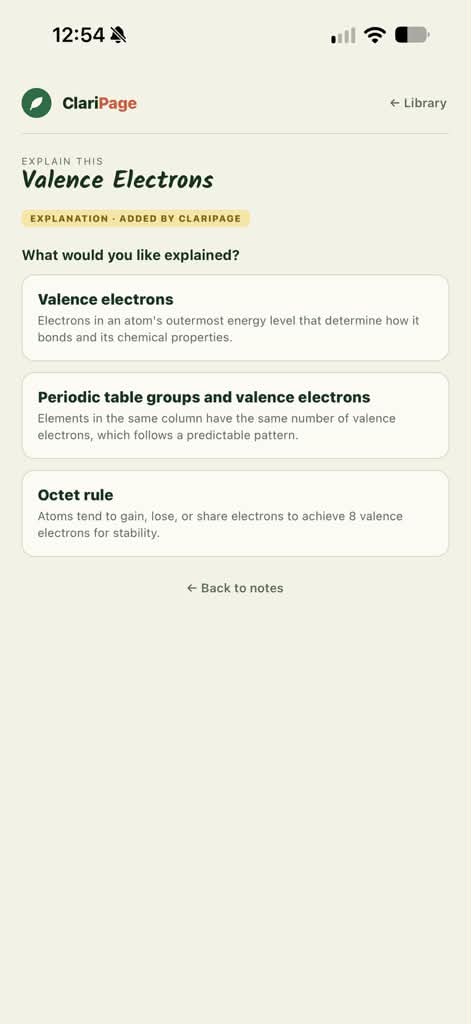
A section with several ideas asks which one. Switch to For the parent and the same idea is written for the adult helping: what the child needs to understand, how to explain it, mistakes to watch for and how to spot them, questions to ask with what a good answer sounds like, and a short activity where one fits.
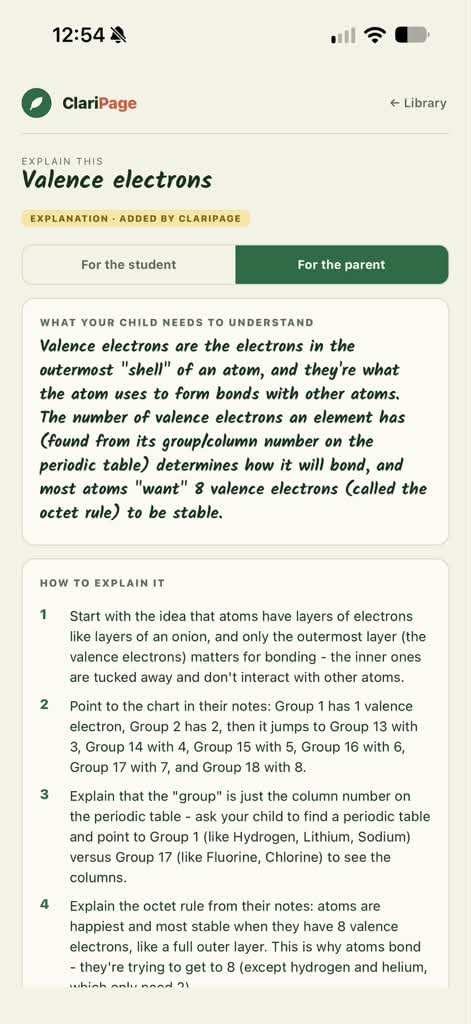
The parent view: written for the adult sitting alongside. Like everything ClariPage adds, an explanation is labeled as added, and any example taken from the student's page is marked as theirs. Explanations are saved, so opening one again is instant and works offline.
-
Your own reference material, optionally
You can add study pages of your own, such as a revision guide or formula sheets, pages a teacher shared. ClariPage reads them once and keeps the facts. After that, when a capture touches a topic they cover, it draws on them and labels anything taken from them as reference.
We keep the facts extracted from your pages, not the images, and never show one family's material to anyone else.
What ClariPage deliberately doesn't do
It doesn't do the homework. It organizes what was taught and names what's missing. It won't answer the worksheet.
It doesn't hide the machine's work. Every added line is labeled. If you want only what your child wrote, you can see exactly that.
It only works on schoolwork. Pages that aren't study material are declined, and nothing is read or generated from them.
It doesn't pretend to be perfect. Handwriting gets misread. A diagram is occasionally wrong. That's why the confidence rating and the labels are there, so a student can check rather than assume.